Tag: spam control

  • AdGuard Temp Mail Alternative (2026): 8 Better Options for OTP Codes & Spam Control

    AdGuard Temp Mail Alternative (2026): 8 Better Options for OTP Codes & Spam Control

    Updated January 2026.

    If you’re searching for an AdGuard Temp Mail alternative, you probably want one of two outcomes:

    • Receive a verification code (OTP) or confirmation link without sharing your real email, or
    • Reduce inbox spam from signups, downloads, trials, and “free resource” funnels.

    For the most common use case (fast OTP codes + one‑off signups), start here: Anonibox temporary email generator. It’s built for quick, low‑stakes workflows—generate an address, receive the email, and move on.


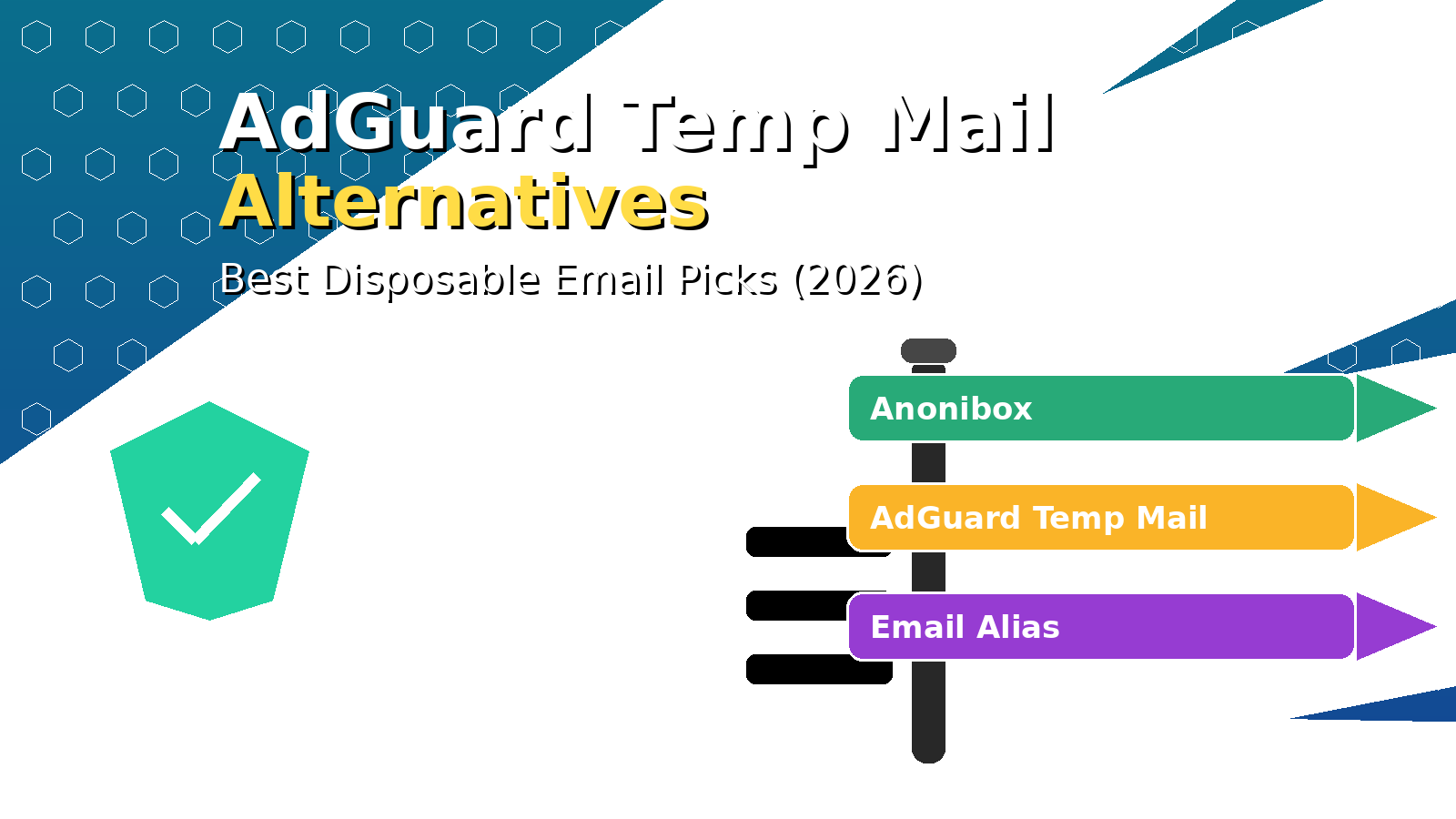
    Quick picks: best AdGuard Temp Mail alternative by use case

    If you’re new to the topic, start with the basics first: Disposable Email Address: What It Is & When to Use It.


    What is AdGuard Temp Mail (and why people use it)?

    AdGuard Temp Mail is a temporary email service people use to avoid exposing their primary inbox. It’s commonly chosen because it’s part of the broader AdGuard ecosystem and has a clean “get an address, receive email” workflow.

    Most users don’t switch because they “hate” AdGuard Temp Mail—people switch because they need something slightly different:

    • Different retention expectations (how long messages remain available).
    • More consistent deliverability for verification codes.
    • Fewer blocked domains when signing up on strict platforms.
    • Clearer guidance about what temp mail can and can’t do safely.

    AdGuard Temp Mail vs alternatives (what matters in real life)

    When you compare temporary email services, don’t just ask “Does it work?” Ask these three questions:

    1. Is it appropriate for my task? (OTP vs long‑term account)
    2. What’s the privacy posture? (public inbox patterns vs disposable vs alias)
    3. What happens if I need recovery later? (password resets, receipts, access links)
    Option Best for Why it’s a good fit When to avoid
    Anonibox OTP codes, confirmations, one‑off signups Fast generator workflow, low friction Long‑term accounts / recovery
    AdGuard Temp Mail General temp inbox use Clean UX in AdGuard ecosystem Sensitive or recoverable accounts
    Email Alias Accounts you might keep Forwarding/masking + recoverability Instant throwaway tasks
    10 Minute Email Wi‑Fi/captive portals Strict timer reduces residue Slow senders / delayed OTPs

    If you want the full “temporary / throwaway / disposable / burner” map, bookmark: Temp Mail (2025): The Ultimate Guide.


    Best AdGuard Temp Mail alternative for most people: Anonibox

    If your goal is simple—get the code, confirm the link, avoid spam—the best alternative is the one optimized for speed. That’s why most people end up preferring a generator‑first workflow like Anonibox temporary email generator.

    60‑second workflow (copy/paste friendly)

    1. Open Anonibox.
    2. Copy the generated email address.
    3. Paste it into the signup / verification field.
    4. Keep the inbox tab open and wait for the email.
    5. Copy the OTP or click the confirmation link.
    6. Delete the inbox (or let it expire) when you’re done.

    Important: temporary inboxes are for low‑stakes tasks. For banking, healthcare, government portals, or anything you might need to recover later, use an alias instead: Email Alias (2025).


    8 AdGuard Temp Mail alternatives (ranked by intent)

    1) Anonibox (best for fast OTP codes)

    If the job is “get a code now,” a fast generator is the best fit. Start here: Anonibox temporary email generator.

    2) Email Alias (best for accounts you might keep)

    Aliases are “privacy with recovery.” If the account matters even slightly, choose an alias and avoid losing access later.

    Email Alias (2025)

    3) 10 Minute Email (best for captive portals)

    Great for airport/café Wi‑Fi and strict time‑boxed tasks. Risk: if the sender is slow, you might miss the message.

    10 Minute Email (2025)

    4) Disposable Email (best for downloads & gated resources)

    Perfect for “get the download link, close the tab, move on.”

    Disposable Email (2025)

    5) Burner Email (best for trials you might not keep)

    Burner emails are great for evaluating tools without tying the trial to your primary identity. If you keep the product, re‑register with an alias.

    Burner Email (2025)

    6) Throwaway Email (best for quick confirmations)

    If you want a plain‑English guide to legitimate throwaway workflows, start here:

    Throwaway Email (2025)

    7) Maildrop Alternative (best if you specifically like mailbox-style temp mail)

    If you’re comparing “mailbox-style” services, see our complete comparison hub:

    Maildrop Alternative (2026)

    8) Temp‑Mail.org Alternative (best if you’re comparing major incumbents)

    For a broader shortlist against the biggest player in the space:

    Temp‑Mail.org Alternative (2026)


    What to do if a website blocks AdGuard Temp Mail (or any disposable domain)

    Some platforms reject disposable domains to reduce abuse and automated signups. When that happens, the right move is not to “bypass it,” but to choose a different identity tool:

    • If you might keep the account: use an email alias.
    • If you just want spam separation: use a dedicated secondary mailbox you control.
    • If the site accepts it: plus addressing (name+tag@domain.com) sometimes works, but many sites block it too.

    For a broader spam strategy (beyond temp mail), this guide is useful: How to stop your email from getting spam.


    If your verification email doesn’t arrive: troubleshoot in this order

    Most “where is my code?” issues fall into one of these categories: sender delay, refresh issues, or outright domain blocking. Try this in order:

    • Wait 30–90 seconds (some senders queue OTP emails).
    • Resend the code once.
    • Keep the inbox tab open (mobile browsers may pause background refresh).
    • Generate a fresh address and retry.
    • If the platform blocks disposable email, switch to an alias for that account.

    FAQs

    Is AdGuard Temp Mail safe?

    Temp mail is safest for low‑stakes tasks (verification codes, quick signups, one‑shot downloads). Don’t use it for sensitive accounts or anything you may need later. Use an alias when recovery matters.

    Is using an AdGuard Temp Mail alternative legal?

    Yes—temporary email and aliases are legitimate privacy tools. The line is crossed when someone uses them for fraud, harassment, or violating platform rules.

    What is the best AdGuard Temp Mail alternative for OTP codes?

    For fast OTP codes and one‑off signups, a generator-first workflow like Anonibox is usually the simplest choice.

    Disposable email vs email alias: which should I choose?

    If you might keep the account, choose an alias. If you only need one message and you want minimal residue, choose disposable. See: Email Alias (2025).


    Conclusion

    The best AdGuard Temp Mail alternative depends on intent:

    Recommended next reads:

  • Maildrop Alternative (2026): 7 Better Options for Disposable Email & Spam Control

    Maildrop Alternative (2026): 7 Better Options for Disposable Email & Spam Control

    Updated January 2026.

    If you’re searching for a Maildrop alternative, you’re usually trying to solve one of these problems:

    • Get a verification code without handing your real email to a marketing funnel.
    • Protect your primary inbox from spam, tracking pixels, and data broker lists.
    • Test a signup flow (QA/dev) without creating real accounts.

    For the most common use case (fast OTP codes and one‑off signups), start here: Anonibox temporary email generator. Generate an address, receive the message, and move on—no registration required.


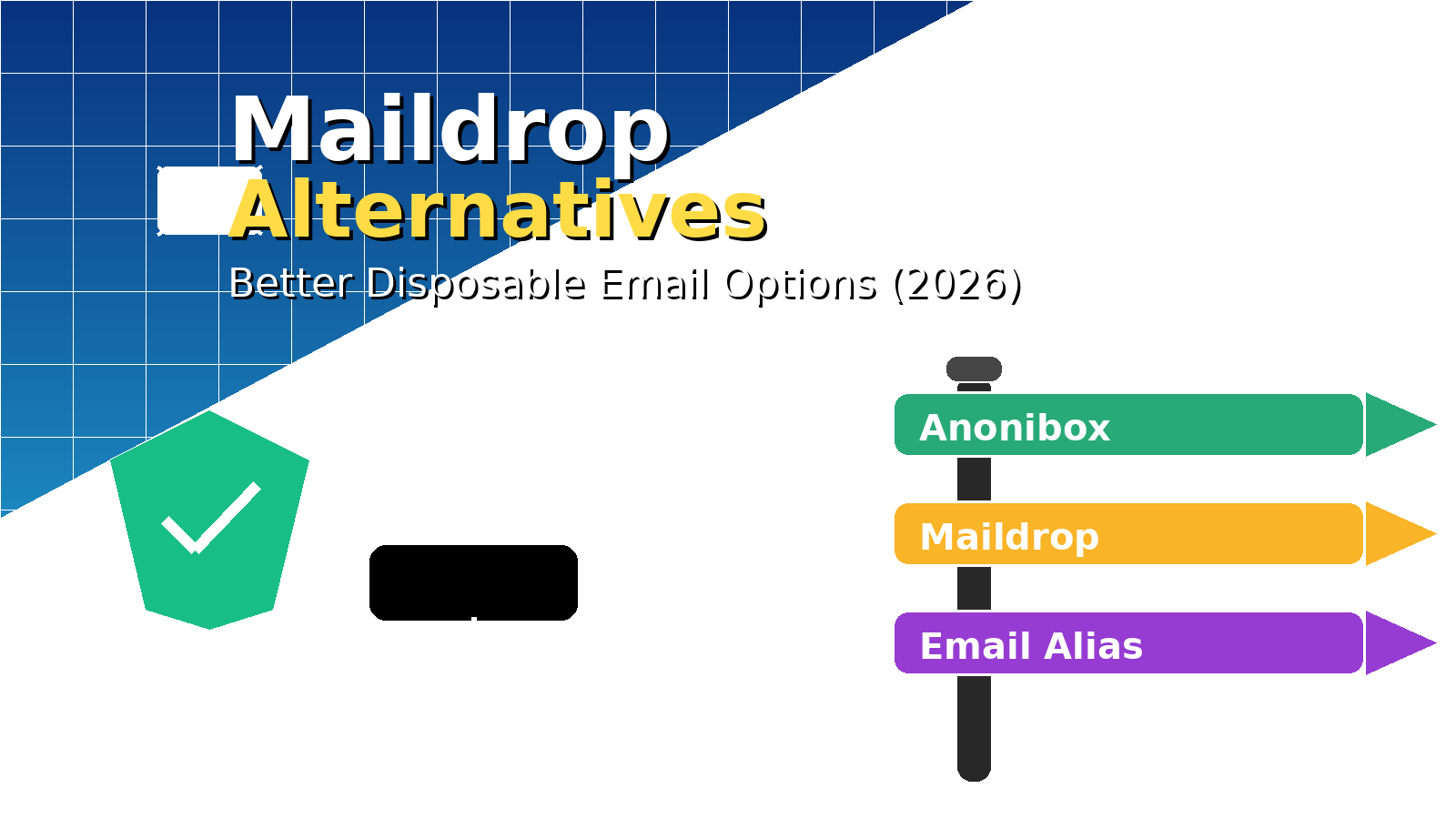
    Quick picks: the best Maildrop alternative by use case

    If you’re new to the concept, start with: Disposable Email Address: What It Is & When to Use It.


    What is Maildrop—and what should you know before you use it?

    Maildrop is a free disposable email service where you can invent an address on the @maildrop.cc domain, then view that mailbox in a browser. It’s popular because it’s frictionless: no signup, no passwords, and it “just works” for many low‑stakes tasks.

    But here’s the part many people miss: Maildrop is not built like a private mailbox. On its own documentation pages, it describes itself as designed for no security and little to no privacy. In other words: treat it like a public-ish drop box, not a secure inbox. That doesn’t make it “bad”—it just defines the right (and wrong) use cases.

    Maildrop is fine for

    • one‑time signups that you don’t care about later,
    • receiving a single link or code,
    • quick testing where the data is not sensitive.

    Maildrop is not appropriate for

    • banking, healthcare, taxes, legal portals, or government logins,
    • anything you might need to recover later,
    • sensitive personal information,
    • any activity that violates a platform’s rules.

    If you need a recoverable identity with a kill switch, use an alias instead: Email Alias (2025).


    Maildrop vs better alternatives (real‑world comparison)

    When people compare disposable email services, they usually focus on “Does it work?” The better question is:

    Does it work for my use case with the privacy trade‑offs I’m willing to accept?

    Option Best for Privacy posture When to avoid
    Anonibox OTP codes, confirmations, one‑off signups Designed for quick, low‑footprint use Long‑term accounts/recovery
    Maildrop Basic disposable inbox tasks Self‑described as “no security / little privacy” Sensitive data, anything you may need later
    Email Alias Accounts you might keep Forwarding/masking + control Instant throwaway tasks
    10 Minute Email Wi‑Fi gates & strict time boxes Short retention by design Slow senders / delayed OTPs

    For a deeper primer on all the related terms (temporary, throwaway, burner, etc.), see: Temp Mail (2025): The Ultimate Guide.


    Best Maildrop alternative for most people: Anonibox

    If your goal is simple—get the code, avoid spam, don’t create an account—then a disposable generator built for speed is the best fit. That’s what Anonibox is optimized for: Anonibox temporary email generator.

    60‑second workflow

    1. Open Anonibox.
    2. Copy the generated address.
    3. Paste it into the signup / verification form.
    4. Keep the inbox tab open until the message arrives.
    5. Copy the OTP or click the confirmation link.
    6. Delete the inbox (or let it expire) when you’re done.

    Pro tip: If you’re doing multiple signups in a row, rotate addresses. New signup → new inbox. Compartmentalization is how you keep spam from “following you home.”


    7 Maildrop alternatives (ranked by intent)

    1) Anonibox (best for fast OTP codes & one‑off signups)

    Use this when you want speed and minimal friction. It’s the simplest path for “I need a code right now.” Start here: Anonibox temporary email generator.

    2) Email Alias (best for accounts you might keep)

    If there’s any chance you’ll need password resets, receipts, replies, or recovery later, disposable email is the wrong tool. An alias keeps your primary inbox private while staying recoverable.

    Email Alias (2025): What It Is & When to Use It

    3) 10 Minute Email (best for Wi‑Fi/captive portals)

    When your session is truly time‑boxed, short retention is a feature. Great for airport/café Wi‑Fi gates and one‑shot access links.

    10 Minute Email (2025)

    4) Disposable Email (best for one‑shot downloads)

    This is the classic “get the PDF link, close the tab, move on” workflow. Ideal for whitepapers, coupon unlocks, and gated resources.

    Disposable Email (2025)

    5) Throwaway Email (best for quick confirmations)

    Throwaway email is basically the same mindset as disposable: receive, confirm, vanish. If you want a plain‑English guide with legitimate use cases, start here:

    Throwaway Email (2025)

    6) Burner Email (best for trials you might not keep)

    Burner emails are great for evaluating tools without tying the trial to your primary identity. If you keep the product long‑term, re‑register with an alias.

    Burner Email (2025)

    7) Disposable Temporary Email (best for learning the whole ecosystem)

    If you want the most complete “how it all fits together” guide, this one maps the terms and the real‑world workflows:

    Disposable Temporary Email (2025)


    What to do when a website blocks @maildrop.cc (or any disposable domain)

    Some platforms block disposable domains to reduce automated signups and abuse. When that happens, the right move is not to “bypass it,” but to choose a more appropriate identity tool:

    • If you might keep the account: use an email alias.
    • If you just want spam separation: use a dedicated secondary mailbox you control.
    • If you’re only filtering: plus addressing (name+tag@domain.com) can help—unless the site blocks it too.

    This is part of the broader anti‑spam playbook here: How to stop your email from getting spam.


    If your verification email doesn’t arrive: troubleshooting checklist

    Before you start over, run this quick checklist (it solves most “where is my code?” moments):

    • Wait 30–90 seconds (some senders queue OTP emails).
    • Hit “Resend code” once.
    • Keep the inbox tab open (mobile browsers can pause background refresh).
    • Generate a fresh address and try again.
    • If the site blocks disposable email, switch to an alias for that account.

    FAQs

    Is Maildrop safe?

    Maildrop is fine for low‑stakes tasks, but it’s not meant to be a secure private mailbox. If you need privacy, durability, replies, or recovery, use an alias (or another tool designed for that job).

    Is a Maildrop alternative legal?

    Disposable email and aliases are legitimate privacy tools. The line is crossed when someone uses them for fraud, harassment, or breaking a platform’s rules.

    What’s the best Maildrop alternative for verification codes?

    For fast OTP codes and one‑off signups, a disposable generator like Anonibox is the simplest choice.

    Which is better: disposable email or an email alias?

    If you might keep the account, choose an alias. If you only need one message and you want zero residue, choose disposable. This guide explains it clearly: Email Alias (2025).


    Conclusion

    A good Maildrop alternative depends on your intent:

    More reading (highly practical):